


01 / DOWNLOAD & SHAREPNG NUMBER CARDS
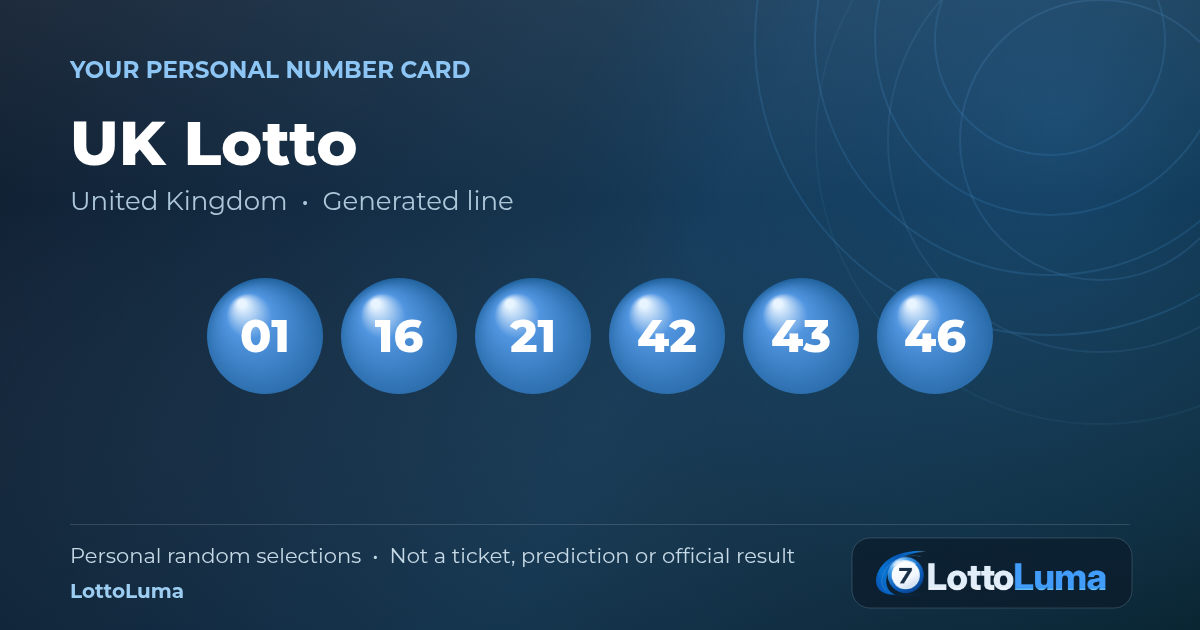
A card worth keeping.
Turn a generated line into a branded image for your phone or a message. Preview one line, or put all your lines together in one PNG.

Choose a language. Google Translate opens your public page in a new tab.
Translation requires the website to be publicly accessible.
Guides, answers and useful information for every lottery player.
Create a line, save a card, print a sheet and explore the story behind a draw. Here is what LottoLuma’s free tools can help you do.
These examples come directly from the working number-card and A4 print tools.
Turn a generated line into a branded image for your phone or a message. Preview one line, or put all your lines together in one PNG.
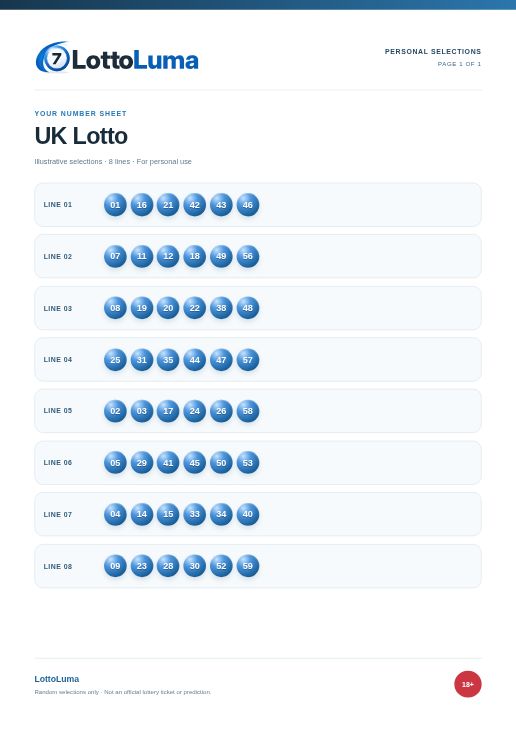
Keep a clear paper copy of your selections. The print preview arranges up to eight lines per page, including special balls where the game uses them.
These are real exports from the UK Lotto studio using illustrative random selections. They are personal number records, not official results, lottery tickets or predictions.
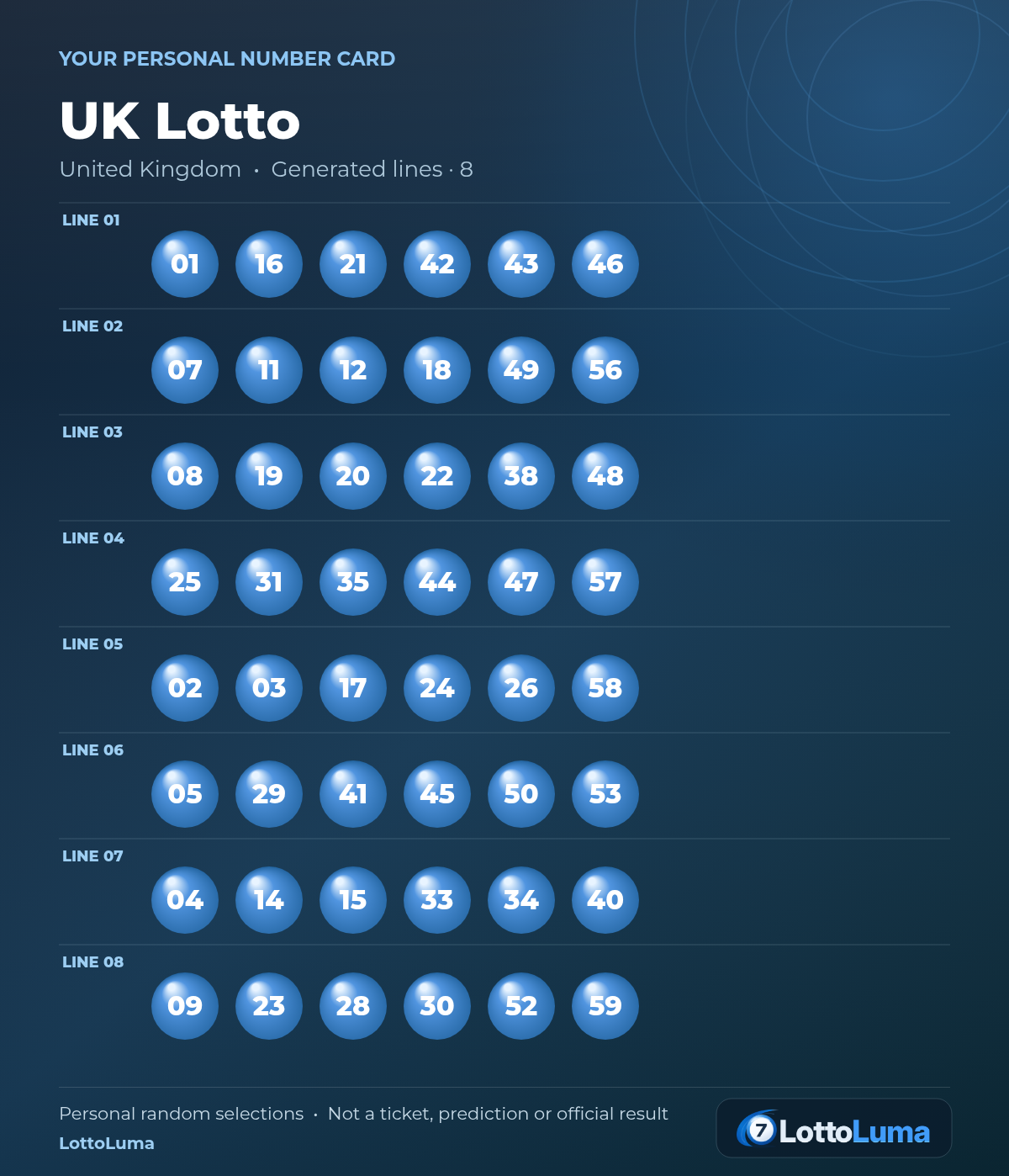
Choose “Preview all lines” in a studio to review the complete card. “Download all lines” saves the generated selections together.
The image grows to fit your lines. A4 sheets use separate pages, with up to eight lines on each page.
Download all-lines exampleFrom a quick random choice to a closer look at a lottery format, each feature has a clear job.

Generate lines for your chosen format. Adjust the odd/even mix, lock favourites and regenerate the others.
Choose your lottery
Copy a line or export your generated selections as CSV. Save your numbers before leaving the studio.
Open the line controls
Import genuine results to inspect frequencies, distributions and a number heatmap. Your history supplies the data.
Prepare a history file
Compare your lines with official numbers you enter, including supported special balls and separate draw rounds.
Try the draw checker
Explore exact number-match probabilities, independent rounds and odd/even patterns with the assumptions in view.
Explore probabilities
Filter the draw calendar, view indicative local times and use the available reminder or calendar options.
Open the draw calendar
See main-number pools, special balls and schedules side by side before choosing a studio.
Compare the games
Set your own range, build unique sets or paste a list for everyday choices in the Random Number Generator.
Try the random tool
Add your own names, prizes or choices, then spin the Prize Wheel for a random selection.
Create your wheel
Use the Live Giveaway Studio for full-screen reveals, multiple winners and a clear results presentation.
Open Giveaway Studio
Find practical guides, empty history templates, format references and explanations of what each result means.
Read the how-to guide
Work in your browser without signing up. Generated studio lines are not saved; download, copy or print what you want to keep.
Read the privacy detailsSearch all 28 number studios. Press Escape to close.